# 【Electron】Hello,World! を表示するまで
> Electron で Hello,World! を表示するまでを行っていきます。
- Canonical: https://c-a-p-engineer.github.io/electron-hello-world/
- Published: 2021-05-03T23:30:00.000Z
- Modified: 2021-05-03T23:30:00.000Z
- Categories: JavaScript
- Tags: JavaScript
# Hello,World!
`Electron` で `Hello,World!` を出力するまでを行っていきます。
`Electron` 公式のチュートリアルを見て進めていきます。
Quick Start Guide | Electron
## 環境
* Ubuntu 20.04.2 LTS
* Node.js 14.16.0 LTS
## Hello,World!
### フォルダ構成
```
my-electron-app/
├── package.json
├── main.js
├── preload.js
└── index.html
```
### コマンド実行
``` bash
mkdir my-electron-app && cd my-electron-app
npm init -y
npm install -D electron
```
### ファイル作成
起動用のjs作成
``` js:main.js {linenos=table}
const { app, BrowserWindow } = require('electron')
const path = require('path')
function createWindow () {
const win = new BrowserWindow({
width: 800,
height: 600,
webPreferences: {
preload: path.join(__dirname, 'preload.js')
}
})
win.loadFile('index.html')
}
app.whenReady().then(() => {
createWindow()
app.on('activate', () => {
if (BrowserWindow.getAllWindows().length === 0) {
createWindow()
}
})
})
app.on('window-all-closed', () => {
if (process.platform !== 'darwin') {
app.quit()
}
})
```
メインのHTML画面の作成
``` html:index.html {linenos=table}
Hello World!
Hello World!
We are using Node.js ,
Chromium ,
and Electron .
```
起動時に読み込むjs作成
``` js:preload.js {linenos=table}
window.addEventListener('DOMContentLoaded', () => {
const replaceText = (selector, text) => {
const element = document.getElementById(selector)
if (element) element.innerText = text
}
for (const type of ['chrome', 'node', 'electron']) {
replaceText(`${type}-version`, process.versions[type])
}
})
```
### package.json編集
`package.json` を以下のようにファイルを修正します。
``` json:package.json
{
"name": "my-electron-app",
"version": "0.1.0",
"author": "your name",
"description": "My Electron app",
"main": "main.js",
"scripts": {
"start": "electron ."
}
}
```
### 実行
以下のコマンドにて実行できます。
``` bash
npm start
```
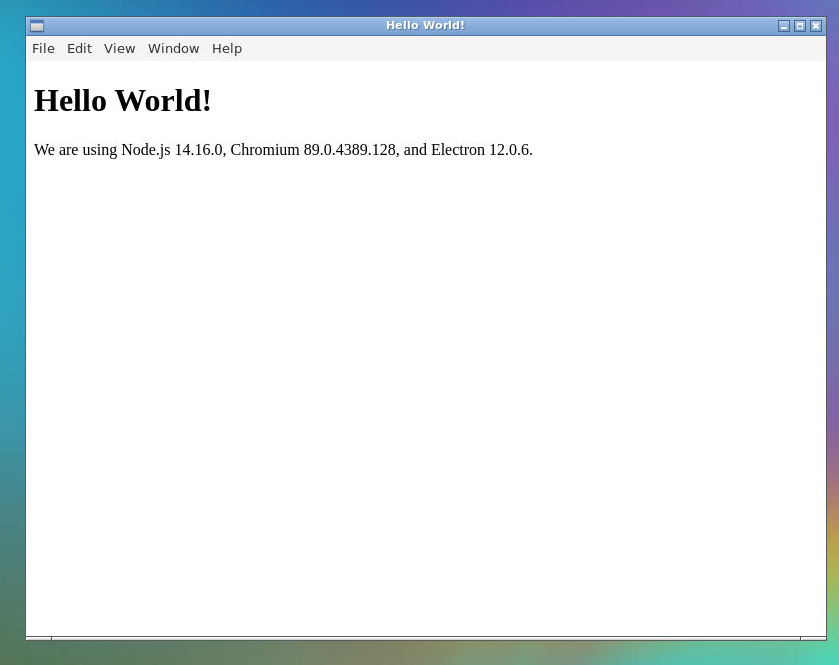
実行時に `--no-sandbox` というエラーが出たら以下のリンクの対処を行ってください。
【Electron】Running as root without --no-sandbox is not supported. エラーのの対処法